Old way
Rebuild the same vertical setup by hand
Resize, crop, reposition and rebuild your recurring layout after every recording.
Live-directed creator studio
Create vertical content live with layouts, framing and scenes already in place.
Built for macOS. Made for vertical creators.
How Leevo works
Direct the structure while recording, then move into editing with the repetitive setup work already handled.
Old way
Resize, crop, reposition and rebuild your recurring layout after every recording.
With Leevo
Live layouts, fixed framing and auto resize keep every scene close to publish-ready.
The result
Stop resizing. Stop repositioning. Stop rebuilding the same layout for every recording.
Layouts are structured before editing starts.
Keep your content aligned across every recording.
Create content in the format social platforms expect.
Reduce repetitive resizing and repositioning.
Move from recording to publishing much faster.
Use cases
Create publish-ready vertical content without the post-production headache.
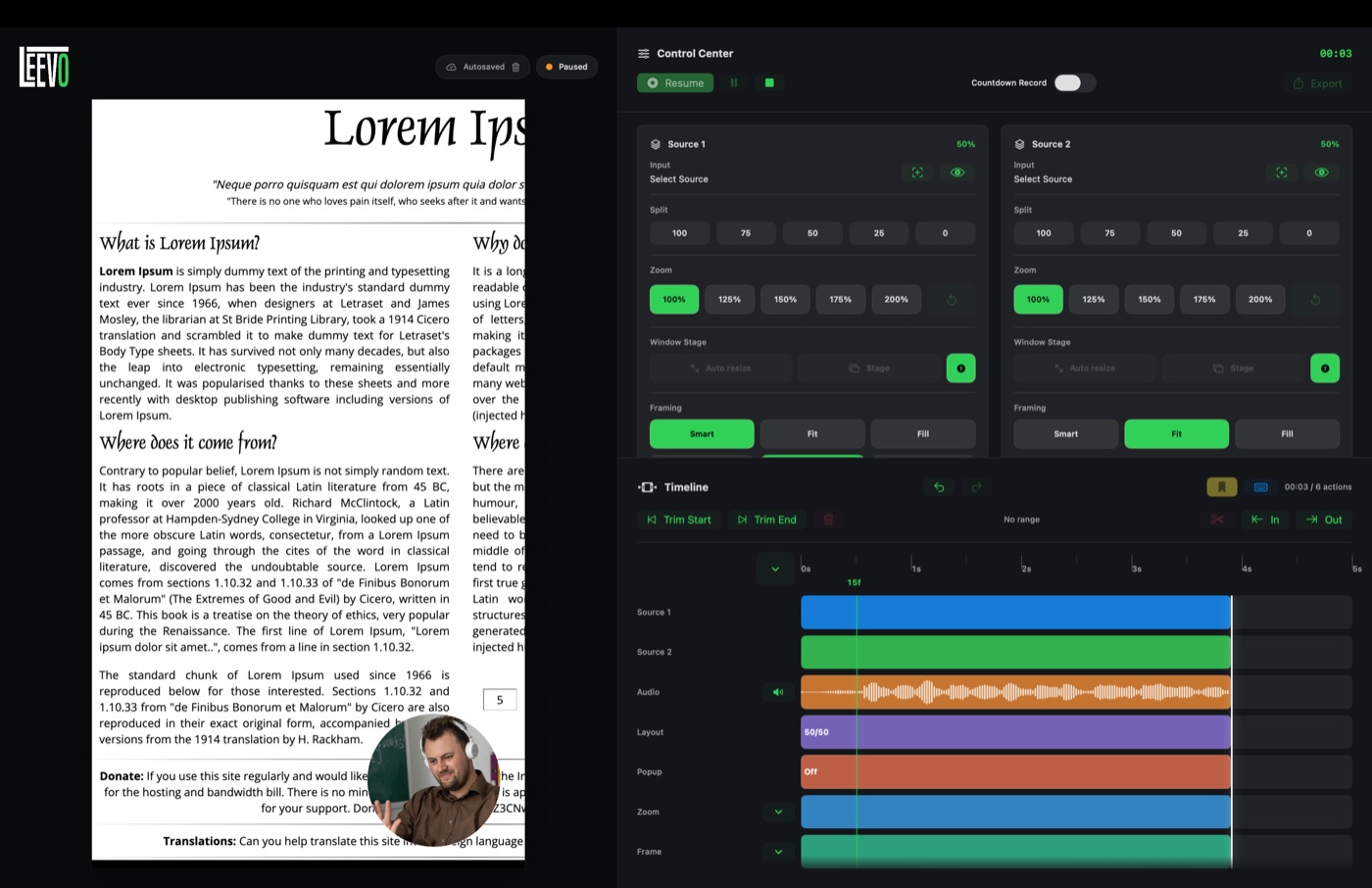
Record screen-led guides with a consistent vertical composition from the first take.
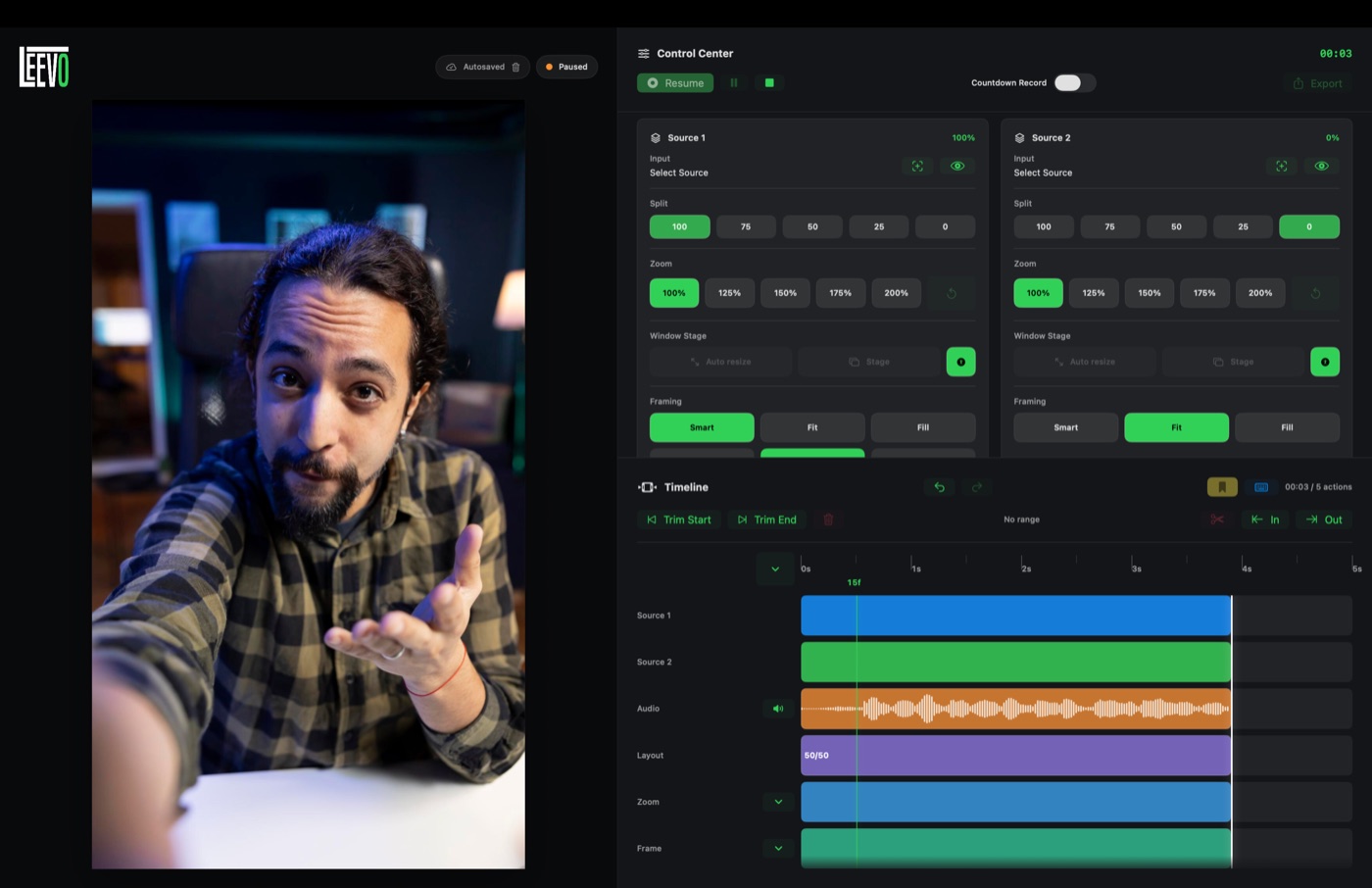
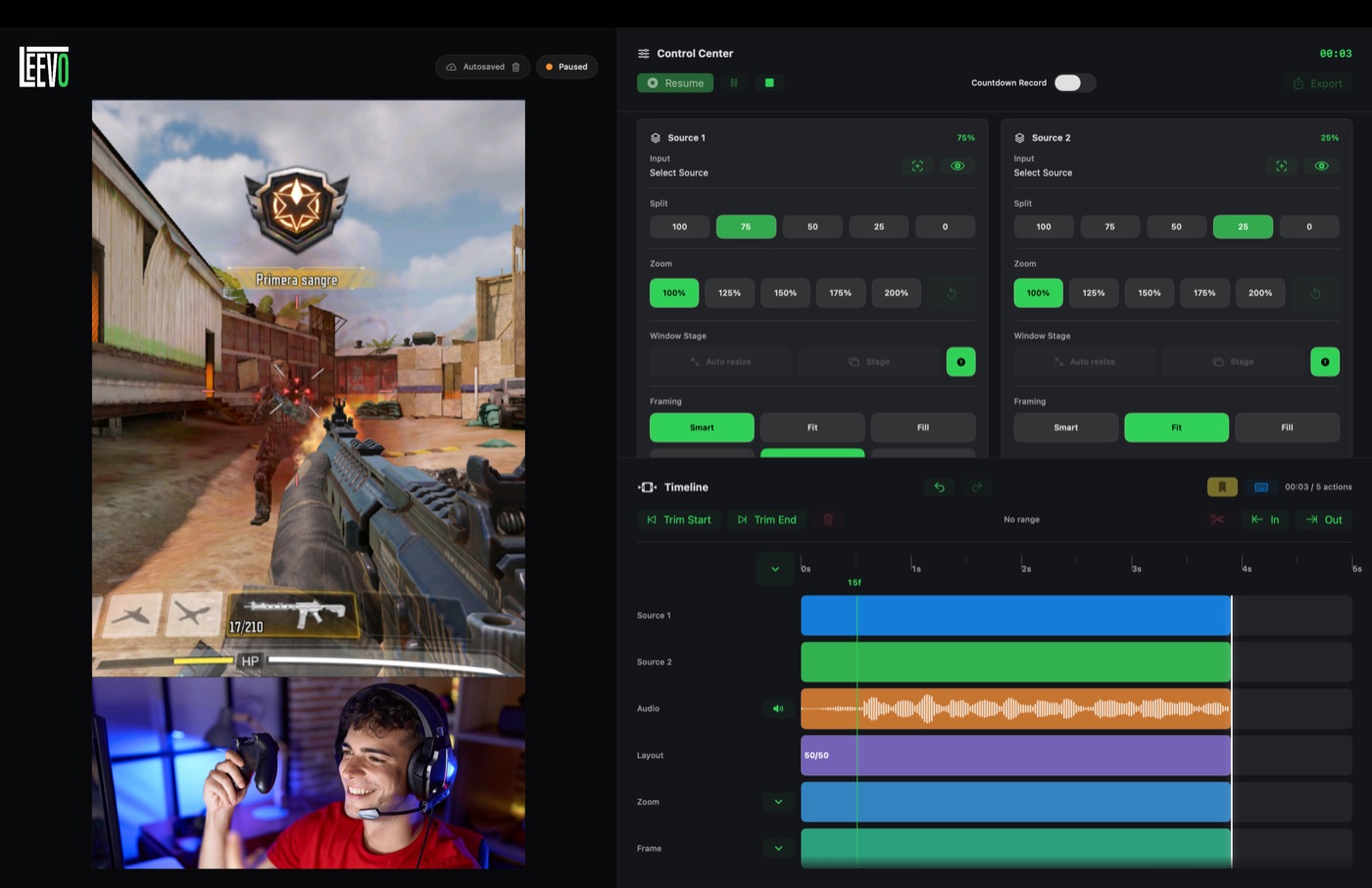
Keep video, source and framing locked for faster reaction and response content.
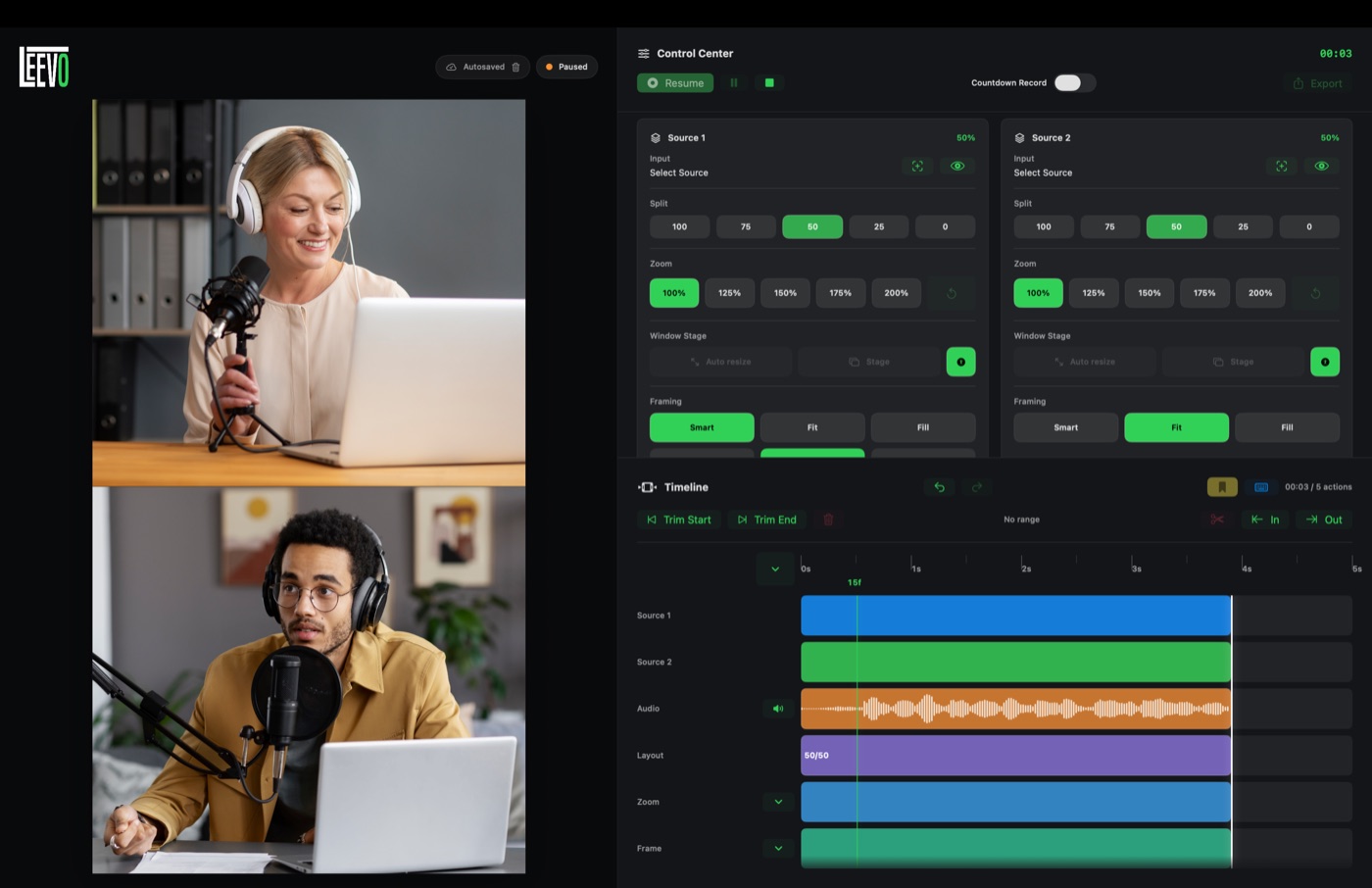
Frame conversations live so vertical clips are structured before editing starts.
Capture app or browser workflows without rebuilding the layout later.
Leevo Pro
5 watermark-free exports every month
Free plan renews monthly
Download Leevo and test the workflow for free. Leevo Pro is available inside the app.
Pro features
Start free with 5 watermark-free exports every month. Upgrade once for unlimited watermark-free exports, custom branding, and premium export tools in Leevo Pro.
Lifetime payment. No subscription
FAQ
Quick answers for creators comparing Leevo with a traditional video editing workflow.
Leevo is a macOS creator studio for recording structured vertical videos live, with layouts, framing and scenes already in place.
Leevo includes editing tools, but it is designed as a vertical video workflow system. Your content starts edited while you record.
Leevo is built for vertical creators making reaction videos, tutorials, screen recordings, podcasts, interviews and commentary content.
Yes. Leevo focuses on vertical content creation workflows for formats used on TikTok, Instagram Reels and YouTube Shorts.
Yes. Leevo is a directly distributed macOS app for Apple computers.
No. Leevo Pro for Leevo 1.x is a one-time purchase, not a subscription.
Yes. Leevo Pro unlocks watermark-free exports for Leevo 1.x.
Yes. Leevo Pro includes custom watermark support for your creator brand.
Leevo lets you direct layout, framing and source structure live, reducing repetitive resizing, repositioning and post-production work.